How to Verify Your Google Business Profile: Complete Guide
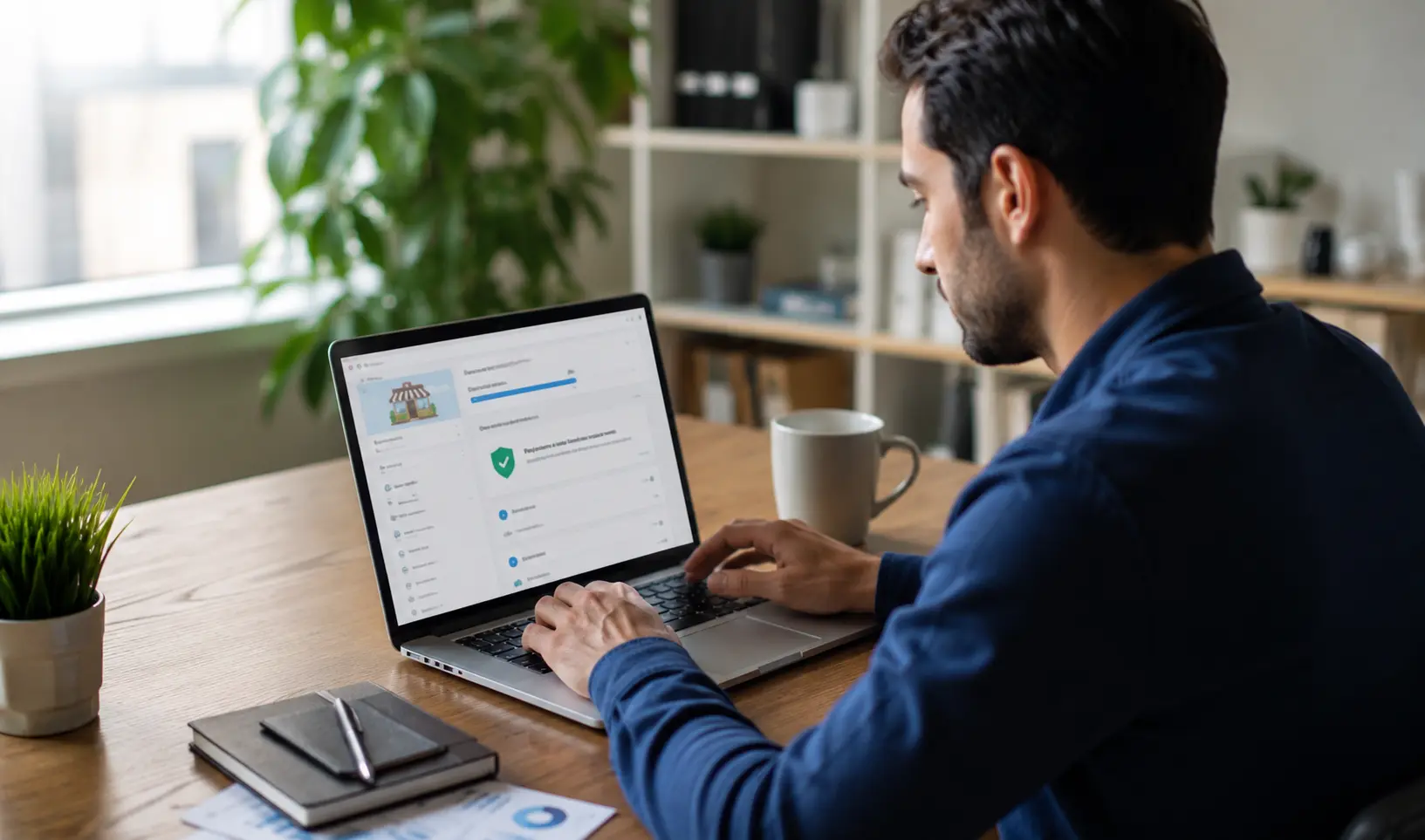
Learn how to verify your Google Business Profile through phone, email, video, live call, or postcard. Covers every method, real timelines, and how to fix common verification failures.
Fast Answer: To verify your Google Business Profile, sign in to your account, click Get Verified next to your listing, and choose the method Google offers you, phone, email, video recording, live video call, or postcard. Enter the code Google sends or complete the video steps. Most methods are reviewed within 5 business days, while postcards take 5 to 14 days to arrive by mail.
Google Business Profile verification is the step that turns an unclaimed listing into a live, editable presence on Google Search and Google Maps. Until your profile is verified, you cannot edit your business hours, upload photos, respond to reviews, or appear reliably in the Local Pack. This guide walks through every verification method Google currently offers, how long each one takes, what to do when verification fails, and how to check your current status.
What Google Business Profile Verification Actually Means
Verification is Google's way of confirming that you are a real, authorized representative of the business you are claiming. Once verified, you get full control of your listing, meaning you can edit your name, address, phone number, and category, publish posts, add products and services, and manage customer reviews. An unverified listing can still appear on Google Maps in a limited way, but it will not show full owner controlled details and will not be eligible to rank competitively in the Local Pack, the three business results shown under the map for local searches.
If your business runs a local SEO strategy at all, verification is the foundation everything else sits on. We cover the bigger picture in our guide on what Google Business Profile is and why local businesses need one.
Before You Start: What You Need
Before you click Get Verified, make sure you have the following ready:
- The exact legal business name, matching your signage and paperwork
- A complete street address, not a P.O. Box for most business types
- A working business phone number you can answer immediately
- Access to the email address linked to your Google account
- Your correct business category, since this affects which verification options Google offers
Google automatically decides which verification methods are available to you. You cannot pick your preferred option in advance, it depends on your business type, category, region, and how established your online presence already is. Google explains its full official verification process directly on its support site, which is worth reviewing if your case is unusual.
Google Business Profile Verification Methods
Phone or SMS Verification
If eligible, this is the fastest option. Click Get Verified, choose Phone or SMS, and Google sends a short numeric code either through an automated call or a text message. Enter the code on your profile and verification completes almost immediately.
Email Verification
Some businesses see an email option instead of a postcard. Select Get Verified, then Email, confirm the email address shown is correct, and follow the link in the message Google sends. This method typically resolves within minutes, though Google may still run a manual review afterward.
Video Verification
Video verification has become the most common method for many service based and newer businesses since postcard verification was scaled back. You record a short video showing your business location, such as signage, street signs, or neighboring businesses, along with proof that you manage the business, for example unlocking the premises or accessing a staff only area. Google recommends a video between 30 seconds and 2 minutes long. Reviews typically take up to 5 business days.
Live Video Call Verification
For some accounts, Google offers a live call instead of a pre recorded video. You connect with a Google support representative who walks you through showing your location and proof of ownership in real time. This option is only available during business hours for your region.
Postcard Verification
Once the default method, postcard verification is now used less frequently. Google mails a physical postcard containing a verification code to your business address. Delivery generally takes 5 to 14 days, and the code expires 30 days after it is issued, so enter it as soon as it arrives.
Instant Verification via Search Console
If your business website is already verified in Google Search Console under the same Google account, Google may skip manual review entirely and verify your profile instantly.
Bulk Verification for Multiple Locations
Businesses managing 10 or more locations, such as multi location retail chains or franchises, can use bulk verification through Business Profile Manager instead of verifying each listing individually.
Step by Step: How to Verify Your Google Business Profile
-
Sign in to the Google account linked to your business.
- Search for your business name and city, or go to your Business Profile directly, to see if a listing already exists.
- If no listing exists, add your business through Google's official process.
- If a listing exists but is unclaimed, select Claim this business.
- Click Get Verified and choose from the method Google presents to you.
- Complete the steps for that method, entering a code, recording a video, or joining a live call.
- Wait for Google's review, which can take up to 5 business days for most methods.
- Once approved, you will receive a confirmation and your dashboard will show full editing access.
How Long Does Verification Take
|
Verification Method |
Typical Timeline |
Best For |
|
Phone or SMS |
Almost instant |
Businesses with a monitored phone number |
|
|
Minutes, plus review time |
Accounts offered email as an option |
|
Video recording |
Up to 5 business days for review |
Service area and newly listed businesses |
|
Live video call |
Same day, within support hours |
Businesses needing manual confirmation |
|
Postcard |
5 to 14 days for delivery, plus review |
Older or first time listings |
|
Search Console linked |
Instant in most cases |
Businesses that already verified their website |
|
Bulk verification |
Varies by location count |
Chains with 10+ locations |
How to Check If Your Profile Is Verified
Sign in to your Google Business Profile. If it is verified, you will land directly on your full dashboard with editing access, insights, and the ability to respond to reviews. If it is not verified, you will see a Get Verified button instead. In some cases you may instead see a message stating someone else already manages the listing, which means you need to submit a request for ownership rather than starting a fresh verification.
Our guide to Google Business Profile categories is a good next step once verification is confirmed, since your category choice directly affects which searches you appear for.
Common Verification Problems and How to Fix Them
Someone Else Has Already Verified This Business
If Google shows that another account manages your listing, use Google's official request ownership process. This sends a notification to the current manager. If they do not respond within roughly 7 days, ownership can transfer to you automatically.
No More Ways to Verify
If your dashboard shows a message saying there are no more ways to verify, it usually means Google could not confirm your details through the standard options, or previous attempts failed. In this case, contact Google Business Profile support directly and be ready to provide supporting documents such as photos of signage, recent utility bills, or your website URL.
Verification Code Not Received
Double check the phone number or email tied to your profile is correct and actively monitored. For postcards, confirm your address includes the correct floor, suite, or unit number, since missing details are a common cause of delivery failure.
Why Google Might Ask You to Reverify
Reverification requests are common and do not always signal a problem. Google may ask you to verify again after you change your business name, address, category, or hours, or as part of its ongoing efforts to reduce spam and fake listings. If you receive an unexpected reverification email, log in and follow the prompts rather than ignoring it, since an unresolved reverification request can limit your visibility until it is completed.
Verification and Local Ranking
Verification alone does not guarantee ranking, but it is a prerequisite for the ranking signals that do matter. Google's local ranking depends heavily on relevance, distance, and prominence, and none of these can be optimized on a profile that is still unverified. We break these down in detail in our guide to Google's local ranking factors.
At DifusionSEO, we regularly see unverified or incorrectly verified profiles as the single biggest blocker in local SEO audits, since every other optimization step depends on having full owner access first.
Frequently Asked Questions
How long does it take to verify a Google Business Profile?
Most methods are reviewed within 5 business days after you complete the required steps. Postcards take 5 to 14 days just to arrive, plus review time after the code is entered.
Can I verify my Google Business Profile without a postcard?
Yes. Depending on your business type and eligibility, Google may offer phone, email, video recording, live video call, or instant verification through Search Console instead.
How do I verify my Google Business Profile with a video?
Select the video option under Get Verified, then record footage showing your business signage, location, and proof that you manage the business, such as unlocking the premises. Upload the video and wait up to 5 business days for review.
What do I do if someone else has already verified my business?
Use the request ownership option on the listing. Google notifies the current manager, and if there is no response within about 7 days, ownership can transfer to you.
How do I check if my Google Business Profile is verified?
Sign in to your account. A verified profile shows the full dashboard with editing access. An unverified one shows a Get Verified button instead.
Why did Google ask me to verify my business again?
This usually happens after you update your business name, address, category, or hours, or as part of Google's routine efforts to prevent spam listings.
Get Your Google Business Profile Verified and Optimized
A verified profile is only step one. Ranking in the Local Pack depends on category selection, review velocity, citation consistency, and technical local SEO signals working together. If you want a team that handles verification, optimization, and full local SEO strategy under one roof, contact DifusionSEO for a free Google Business Profile and local SEO audit, or message us directly on WhatsApp to get a project quote.
Discussion (0)
Leave a Comment
No comments yet. Be the first to start the discussion!
Related Insights.
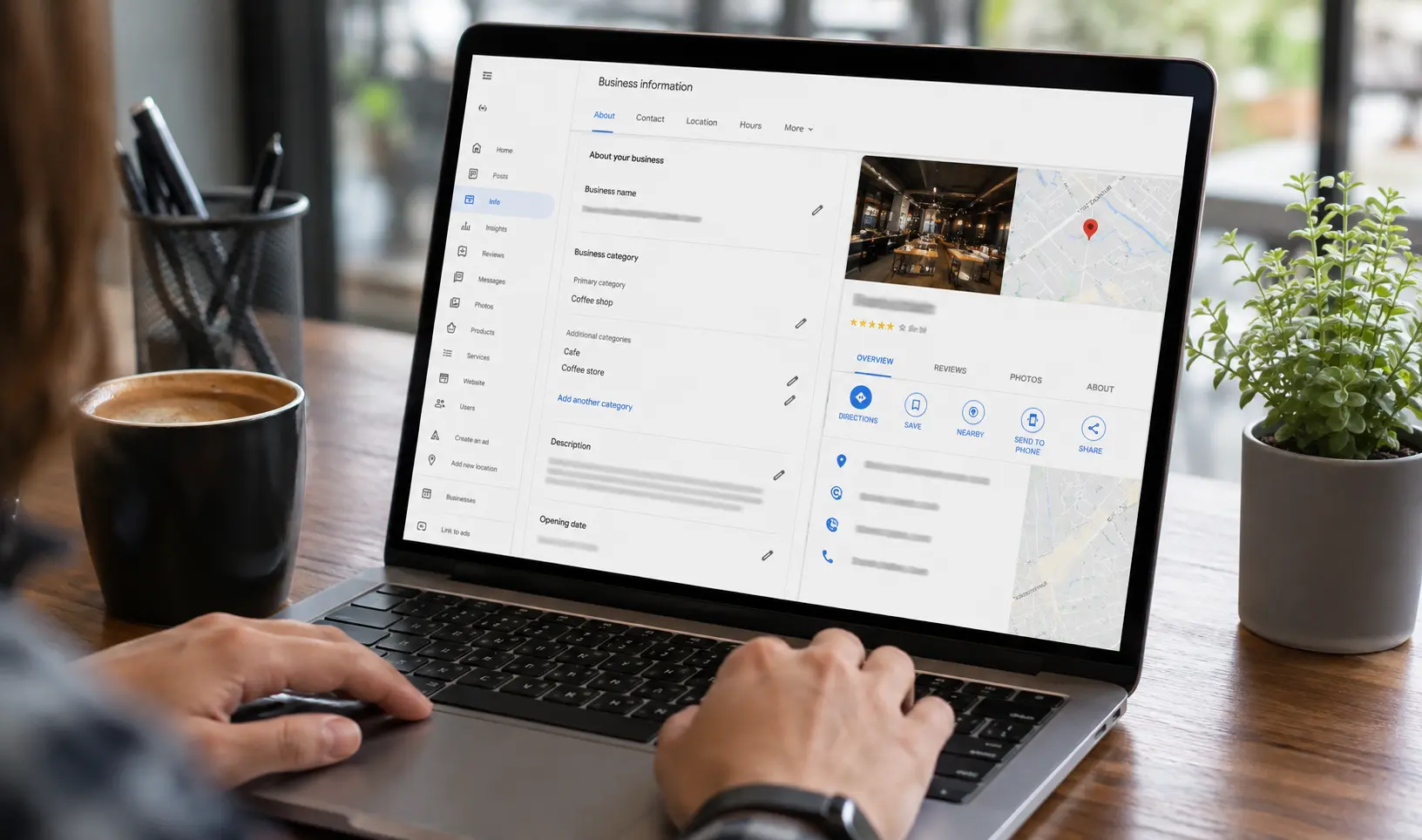
Google Business Profile Categories: A Complete Guide to Primary and Secondary Categories
Google Business Profile categories are one of the strongest local ranking signals you control. Learn the difference between primary and secondary categories, how many you can add, and how to pick the right ones to win the Local Pack.
Local SEO vs National SEO: The Core Difference
Local SEO and national SEO solve different problems for different businesses. This guide breaks down the ranking signals, real cost ranges in USD and EUR, timelines, and a side by side comparison table to help you choose the right strategy, or combine both.

How Much Does Local SEO Cost? A Complete Pricing Guide
Local SEO cost typically ranges from $300 to $3,000 per month depending on business size, industry, and location count. This guide breaks down monthly retainer, hourly, and one time project pricing, plus what you actually get at each budget level.